
Rapid Health Triage Booking
To start, select the surgery you want to be seen at:
Broad Street Surgery

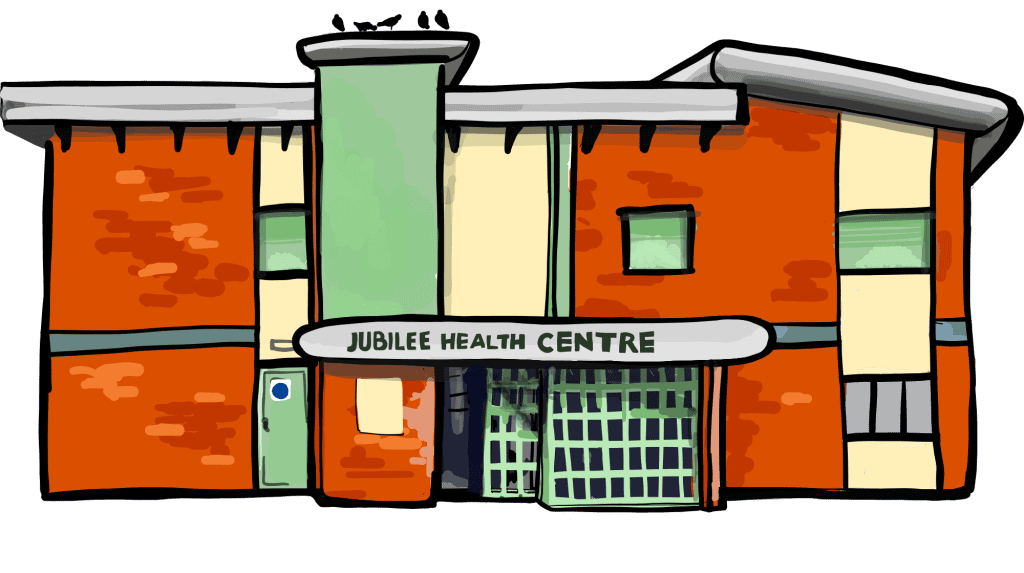
Jubilee Health Centre
We’re pleased to introduce our new online booking system – Rapid Health Online Consultation
Available 24 hours a day, 7 days a week.
No more calling at 8am or waiting on hold – now you can beat the queue and get the help you need at a time that suits you.
Online appointments are the quickest way to contact the practice. You can submit a request any time – day or night – and avoid the morning rush.
How to use RAPID HEALTH: Video
How to Book an Appointment: Step by Step Instructions
To make your experience as smooth as possible, please follow these simple steps:
Step 1: Click on ‘Jubilee Health Centre’ or ‘Broad Street Surgery’
Choose the practice you are registered with to begin your request through our Rapid Health Triage system.
Step 2: Choose the Right Option for Your Needs
For a new medical issue or symptom:
Click ‘Adult Medical Request’ to let us know what’s going on.
For questions, follow-ups or admin requests:
Click ‘Questions and Admin’ if you need to:
- Update your personal details
- Request a letter or report
- Ask for a fit note
- Order a repeat prescription
- Travel risk assessment
For trusted NHS advice:
Click ‘Self-Help Information’ for guidance on common symptoms and conditions.
Step 3: Enter Your Personal Information
Please provide your full name, date of birth, postcode, phone number, and email address to help us identify you correctly.
Step 4: Answer All Questions Carefully
Please provide your full name, date of birth, postcode, phone number, and email address to help us identify you correctly.
- Complete the form as accurately as possible
- Please avoid sending multiple requests for the same issue, as this may delay your care
- Important – some appointments still need to be booked by phone

Please call the Surgery for the following appointments:
- Children under 16
- Routine Practice Nurse appointments
- Annual Nurse reviews (e.g. Diabetes, Asthma, COPD, Blood Pressure)
- Home visits
- Palliative care patients
- No Internet Access? We’re Still Here to Help
If you’re unable to access the internet, you can still call us, and one of our friendly admin receptionists will assist you in completing the triage form over the phone.
Thank you for your patience and understanding – we’re here to help you in the best way we can.
Please note: Calling in may take longer, and completing the process over the phone can result in longer wait times. For the quickest and most efficient service, we strongly encourage using the online system on a mobile phone, tablet, or computer if possible.

Carers and Housebound Patients
If you look after someone, are cared for yourself, or are housebound, please let our reception team know. This helps us provide the right care and support for your needs.